ClevGuard vs Net Nanny
ClevGuard shines with real-time visibility and broad device support. Net Nanny delivers trusted filtering and strong alerts.
Focused Monitoring with Superior Support.
We find ClevGuard offers highly focused monitoring solutions, especially through products like KidsGuard Pro. The platform delivers deep visibility into mobile and PC activity, backed by consistently fast and helpful customer support. Overall, this makes it a reliable choice for targeted digital parental control.
Pros
- Excellent, responsive, and patient customer support staff.
- KidsGuard Pro offers comprehensive and discreet monitoring features.
- Effective for tracking over 45 types of phone activity.
- Modular pricing allows users to only pay for specific tools needed.
Cons
- Refund policy is restrictive (7 days for 1-month licenses).
- Installation and setup instructions can be complex for some users.
- Some reports of occasional bugs or slow data synchronization.
Unreliable protection paired with hidden costs.
We note Net Nanny boasts impressive dynamic filtering features and competitive volume pricing for large families. However, recent user feedback highlights critical operational failures, extreme difficulty managing subscriptions, and severely problematic customer service interactions. Overall, we advise prudence due to concerning reports regarding recurring billing practices and software reliability across platforms.
Pros
- Cost-effective protection for up to 20 devices annual plans.
- Includes dynamic filtering against adult content and sensitive material.
- Real-time alerts and visibility via the Family Feed feature.
- Full feature suite is included across all three annual pricing tiers.
Cons
- Software functionality is often unreliable (time limits fail, Mac freezing).
- Auto-renewal system is difficult or impossible to cancel online.
- Reports of severe bugs and inaccurate dashboard data tracking.
- Customer support is slow, unresponsive, and often unavailable.
AboutClevGuard
ClevGuard Parental Control is a professional and widely-trusted suite of monitoring tools designed for responsible digital parenting. It is recognized as a No.1 Choice in the United States for tracking and monitoring children's digital activity. This innovative platform offers 360-degree parental control solutions, including the popular KidsGuard Pro product and specialized tools for specific apps 💡. ClevGuard empowers you to understand your child's online life by keeping tabs on device activity, always emphasizing the importance of monitoring with permission.
AboutNet Nanny
Net Nanny is widely trusted parental control software. It is consistently ranked as the Best Parental Control App. ✅ Millions of parents have trusted this software since 1996.
It’s designed to keep your kids safe from adult content when they browse online. The system allows children to use the internet safely while still being protected. It offers the visibility parents need today.
Highlights
Feature Comparison
Features Overview
We highlight the main differences and pick a winner for each feature.
Real-time visibility
ClevGuard provides live activity context; Net Nanny offers real-time alerts on risky content.
ClevGuard delivers a broad, device-wide feed with 45+ data types and live dashboards. Net Nanny highlights immediate alerts for sensitive material and a Family Feed for quick reviews. The trade-off: ClevGuard emphasizes breadth of data; Net Nanny emphasizes focused safety signals. Real-world, families often use ClevGuard to catch larger patterns, while Net Nanny triggers rapid action on red flags.
Family Feed & reports
Net Nanny shines with the Family Feed; ClevGuard focuses on live visibility.
Net Nanny aggregates user activity in real-time and shows search activity via Family Feed. ClevGuard compiles broad activity dashboards across devices, with context to act. The trade-off: Net Nanny is report-centric; ClevGuard is monitoring-centric. For quick parent briefings, Net Nanny often performs better.
Alerts for sensitive content
Net Nanny provides targeted alerts for suicide, weapons, and drugs.
Net Nanny flags highly sensitive topics the moment they appear. ClevGuard covers many data points but doesn’t single out those high-risk alerts as strongly. The key difference is focus: Net Nanny excels in critical safety alerts, ClevGuard in broad visibility. Real families benefit from both depending on risk priorities.
App visibility
Net Nanny offers app usage visibility; ClevGuard highlights broader social data.
Net Nanny shows which apps kids use and when. ClevGuard tracks social activity and other app data across devices. The result: Net Nanny is stronger for app-level visibility; ClevGuard provides a wider data net.
Multi-device coverage & pricing
Net Nanny’s Family Protection Pass reduces per-device costs; ClevGuard scales with licenses.
Net Nanny offers 1, 5, or 20-device passes with pricing per device. ClevGuard lists volume pricing and multi-user licenses. The trade-off: Net Nanny is straightforward for large families; ClevGuard offers broader license models for teams.
Filtering breadth
ClevGuard emphasizes data breadth; Net Nanny emphasizes strong content filtering.
ClevGuard tracks 45+ data types and social activity; Net Nanny blocks adult content with dynamic filtering. The choice depends on data depth vs. content control. If you want wide insight, pick ClevGuard; if you want strict filtering, choose Net Nanny.
Setup & onboarding
ClevGuard is touted as easy; Net Nanny has guided setup steps.
ClevGuard emphasizes easy setup and a user-friendly interface. Net Nanny provides installation steps via a dedicated site. The difference: ClevGuard feels smoother for quick starts; Net Nanny requires following structured onboarding for setup.
Security & privacy
ClevGuard uses encryption to protect data; Net Nanny emphasizes secure payments.
ClevGuard explicitly notes encryption to guard data and purchases. Net Nanny mentions SSL protection for payments. In practice, ClevGuard offers broader data-security assurances across the product. Net Nanny focuses on transaction-level protections.
Cross-platform coverage
ClevGuard supports Android, iOS, Mac, Windows; Net Nanny supports PC, Mac, iOS.
ClevGuard covers Android, iOS, iOS RT, Mac, and Windows. Net Nanny covers Windows, Mac, and iOS devices. The win goes to ClevGuard for broader platform reach, especially on Android.
Support experience
ClevGuard is praised for responsiveness; Net Nanny has mixed reviews.
ClevGuard’s support is described as responsive and helpful. Net Nanny users report slow or unavailable help at times. Overall, ClevGuard tends to deliver quicker resolutions.
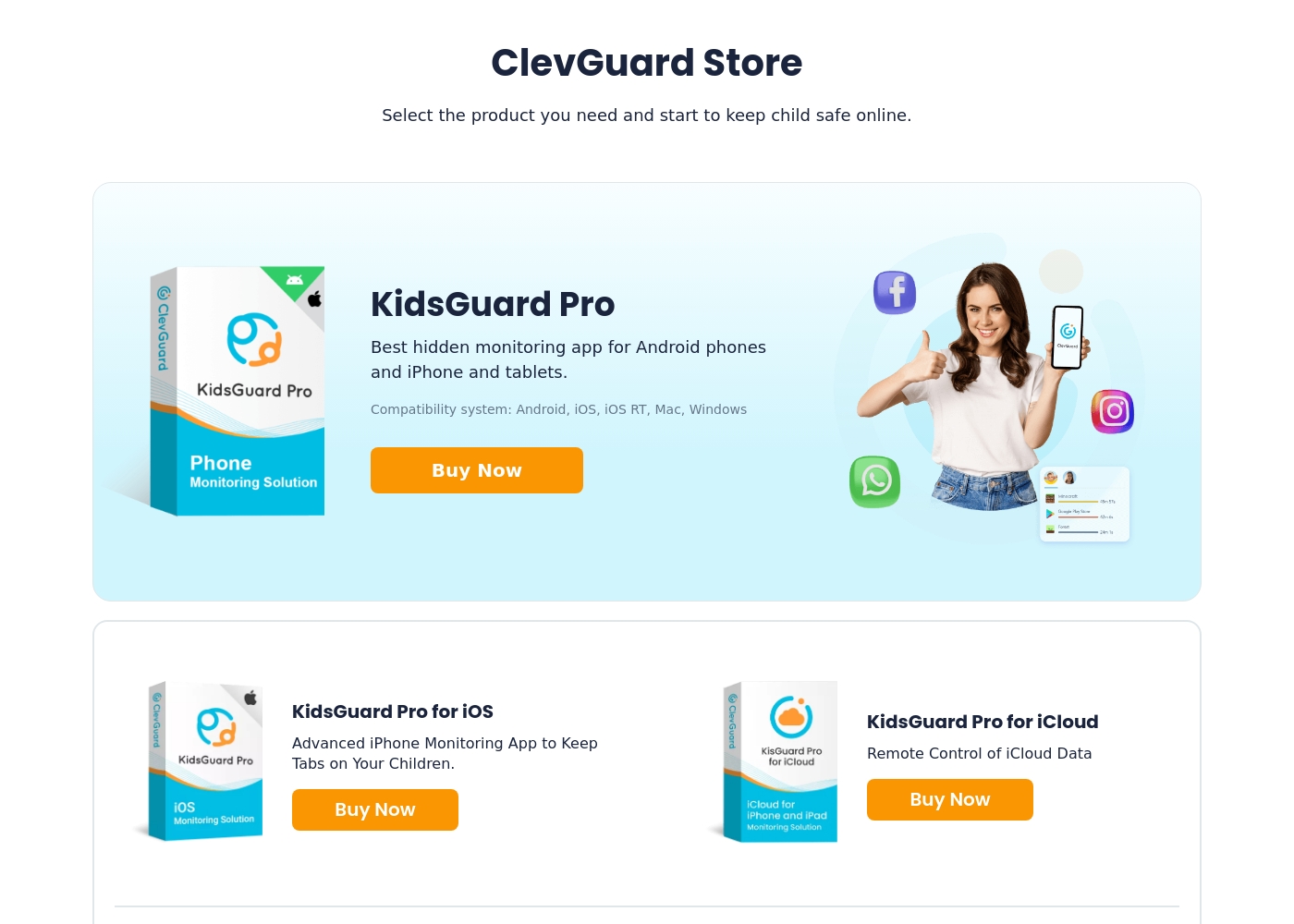
ClevGuard products are priced between $4.99 and $49.95 per month, offering 14 specific monitoring tools, such as KidsGuard for TikTok at $4.99/month, KidsGuard Pro for iOS at $29.95/month, and MoniVisor at $49.95/month.
Now, let's explore the individual tools available in the ClevGuard Store and their specific monthly costs.
MoniVisor
Price: $49.95 per month Websites Supported: Not explicitly stated Best For: Comprehensive monitoring for Windows and macOS computers. Refund Policy: 7-day money-back guarantee for monthly licenses, 30 days for others. Other Features:
- The first and best choice for Windows & macOS monitoring.
- Best choice for Windows & macOS monitoring
- Advanced iPhone Monitoring App
- Keep tabs on your children
- Provides real-time tracking for chats and calls
- Stay informed and in control effortlessly
- Remote Control of iCloud Data
Net Nanny costs between $39.99 and $89.99 per year with three plans: 1 Desktop at $39.99, 5 Devices Family Protection Pass at $54.99, and 20 Devices Family Protection Pass at $89.99.
Let's explore which annual Net Nanny package works best for your family's needs.
1 Desktop
Price: $39.99 / Year (Currently discounted from $49.99) Websites Supported: Not explicitly stated (Filtering is dynamic) Best For: Single device use on PC or Mac Refund Policy: Not explicitly stated Other Features:
- Protect one desktop device
- Includes all Net Nanny features
- Supports Windows and macOS
- Protect one desktop device (PC or Mac)
- Includes all Net Nanny features
- Supported on Windows 10 & 11 and macOS 10.13 to 11.x
- Protect up to 5 total devices
- Includes all Net Nanny features
- Supports PC, Mac, and iOS devices
- Costs $11 per device/year
- 30% Off For A Limited Time
- Protect up to 20 total devices
- Includes all Net Nanny features
- Supports PC, Mac, and iOS devices
- Costs less than $5 per device/year
- Labeled 'Best Value'
Pricing Notes
- ClevGuard starts at $1 with plans up to $49.95; offers volume and multi-user licenses.
- ClevGuard includes a 30-day money-back guarantee per the data.
- Net Nanny pricing scales by number of devices; 20-device plan is the best per-device value.
- Net Nanny emphasizes annual pricing with three main tiers and Family Protection Pass options.
Pricing Head-to-Head
User Reviews
ClevGuard enjoys an excellent rating on Trustpilot, largely driven by exceptional customer support. Users frequently highlight specific representatives like Sara and Maisie for their quick, patient, and professional assistance, particularly when handling refund requests or complex installation problems.
While the product—most notably KidsGuard Pro—is generally rated as reliable and effective, allowing access to extensive phone activity and social media data, some users experience minor issues like slow data updates or initial difficulty following complex installation guides. The monitoring capabilities are described as discreet and comprehensive, working exactly as advertised.
Maisie was patient, respectful, and processed my refund request quickly. Her professionalism and kindness made a potentially difficult process much easier. I truly appreciated her help during this time.
Net Nanny currently holds a very poor 2.1 rating on Trustpilot, reflecting widespread customer dissatisfaction. Users frequently report critical failures in core functionality and serious concerns regarding billing practices.
Recurring complaints revolve around system reliability; many users state the software does not work properly on modern devices, citing issues like apps ignoring set time limits, device freezes, and wildly inaccurate dashboard reporting (e.g., usage times ticking up five minutes per second). Beyond technical faults, customers vehemently criticize Net Nanny’s handling of subscriptions and auto-renewal.
The software doesn't work consistently after a restart; I always have to sign in manually. Since installing it, my Mac freezes frequently during downloads. I have not yet received any response from customer service about these issues.
Our Verdict
ClevGuard vs Net Nanny is a thoughtful tug-of-war. If you want real-time visibility across many devices, ClevGuard shines. Net Nanny stands out for trusted filtering and clear alerts that help you act fast. The deciding factor often comes down to your family size and risk priorities. If you need broad data for a tech-driven household, choose ClevGuard; if you want dependable filtering for a large family, go Net Nanny. For most families, a practical pick is ClevGuard for everyday monitoring, with Net Nanny serving as a strong backup when content filtering is the top priority.
Frequently Asked Questions
Which is better for small families: ClevGuard or Net Nanny?
For small families, ClevGuard offers real-time visibility across devices at a lower entry point. Net Nanny provides strong filtering and alerts but can be pricier per device. Your choice hinges on whether you value live insight or strict content control.
Does ClevGuard have 45 data types monitor like Net Nanny?
Yes. ClevGuard reports 45+ types of phone activity, plus social monitoring. Net Nanny emphasizes filtering and app visibility rather than a fixed type list. If data breadth matters, ClevGuard has the edge.
Is Net Nanny worth the extra cost over ClevGuard?
Net Nanny offers robust filtering and real-time safety alerts, especially with Family Protection Pass. ClevGuard gives broader data and real-time visibility at a lower entry price. Compare your device count and risk priorities to decide.
Can I migrate from ClevGuard to Net Nanny easily?
Migration details aren’t explicit in the data. Net Nanny provides installation steps for devices, but a documented migration path from ClevGuard isn’t stated. Plan for setup on new devices if you switch.
Do ClevGuard or Net Nanny support my devices?
ClevGuard supports Android, iOS, iOS RT, Mac, and Windows. Net Nanny covers Windows, Mac, and iOS devices. Check your primary devices to ensure coverage before choosing.
Does Net Nanny offer a free trial?
No free trial is listed, and a money-back guarantee isn’t specified in the data. Net Nanny relies on annual subscriptions and device passes. Consider pricing and cancellation terms carefully.
Ready to Choose?
Both tools have their strengths. Choose based on your specific needs.