Firefox vs Opera
Firefox and Opera both reject the dominant browser norms for better user experience. Firefox focuses on deep user privacy and powerful organization tools. Opera bundles killer, innovative features like built-in AI and a free VPN for superior speed.
Privacy-Focused, But Performance Is Unstable.
We appreciate Firefox's singular focus on privacy, non-profit mission, and market-leading features like default tracker blocking and robust tab management. However, external feedback consistently highlights severe instability, reliability issues, and performance degradation following forced updates. Overall, Firefox presents a powerful feature set marred by a frustrating and often unreliable user experience.
Pros
- Free to use with no hidden costs or subscription fees.
- Developed by a non-profit organization focused on user privacy.
- Trackers and third-party cookies are blocked by default.
- Highly customizable through themes and powerful extensions like uBlock Origin.
Cons
- Frequent, mandatory updates often cause major performance issues.
- Users report loss of open tabs, sessions, settings, and themes after updates.
- Instability leads to frequent crashing and difficulty loading websites.
- Some critics challenge Mozilla’s corporate decisions and perceived political stance.
Feature-rich browser, marred by instability.
We found Opera impressive for its density of free, built-in features like a VPN and AI assistant, offering high perceived value compared to default browsers. Overall, we must caution users about significant instability issues reported during updates and serious user concerns regarding data privacy and ownership.
Pros
- Includes a free, built-in VPN and integrated AI assistant (Aria).
- Built-in Ad Blocker provides faster, distraction-free browsing.
- High level of customization and intuitive user interface.
- Tab Islands feature aids in productivity and organization.
Cons
- Frequent crashing and reliability issues, causing permanent loss of open tabs after updates.
- Significant user concerns regarding company ownership, data privacy, and security.
- Built-in VPN often fails to work with major streaming services.
- Updates are intrusive, auto-changing settings or adding unwanted shortcuts.
AboutFirefox
Firefox is a unique browser designed to bring calm and control back to your online life. We think of it as "bubble wrap for your brain."
It was created in 2004 by Mozilla as a faster, more private, and customizable choice compared to older browsers. Importantly, Firefox is still a not-for-profit entity and is not owned by any billionaires. This browser is for anyone who wants a better, more ethical space to browse, research, and shop. You can even personalize the look with add-on themes, saying, "Bye, boring browser." ✅
AboutOpera
Opera Browser positions itself as your personal digital hub 💡, moving beyond the limitations of standard programs like Chrome or Edge. It is designed for users who prioritize performance, security, and organization in their online lives.
For over 25 years, Opera has focused on expanding browser technology, ensuring you get the highest levels of flexibility and privacy available. It's a complete web experience that's easy to take on the go with specific mobile versions for Android and iOS.
Highlights
Feature Comparison
Features Overview
We highlight the main differences and pick a winner for each feature.
AI Integration
Opera includes free, unlimited AI right out of the box. Firefox does not feature a native AI assistant.
Opera provides the Aria AI assistant seamlessly integrated into the browser. Aria is free and offers unlimited access for quick summaries and research help. Firefox currently does not offer a native AI tool or assistant feature. Integration requires using external browser extensions. This is a crucial difference for users prioritizing cutting-edge technology. If AI is essential for your workflow, Opera is the clear choice today. Opera wants to future-proof your browsing experience with innovation.
Privacy Approach
Firefox is built by a non-profit focusing on deep ethical privacy. Opera focuses on strong built-in security features.
Firefox is built by the Mozilla not-for-profit foundation since 2004. It centers around user privacy and internet openness. Firefox features automatic tracker blocking for better performance and provides a Protection Report. Opera also includes an Ad Blocker and a free browser-level VPN for security. Its focus is high performance bundled with security tools. Choosing Firefox supports an organization dedicated solely to an open, private internet. Opera offers strong protection, but Firefox’s mission is fundamentally about privacy first. For users who value organizational ethics and transparency, Firefox often feels like the safer bet.
Built-in VPN
Opera offers a free, integrated VPN for browser security. Firefox requires separate, third-party extensions.
Opera includes a free, built-in VPN available immediately upon download. This provides security protection for activity within the browser. Opera also offers an optional, paid VPN Pro subscription for system-wide security. Firefox users must rely entirely on external add-ons or separate VPN services for protection. There is no native VPN capability included. Opera gives users a hassle-free, secure connection at the touch of a button. This is especially useful when using public Wi-Fi networks.
Tab Organization
Firefox provides vertical tabs for deep organization control. Opera uses Tab Islands for automatic contextual grouping.
Firefox excels in organizational control, featuring both vertical tabs and specific tab groups. This helps researchers manage extensive, complex projects easily. Firefox allows for highly customized workspace structures. Opera uses the Tab Islands feature to automatically arrange related tabs together. This keeps the desktop clean and focused through automated processing. While automatic, Firefox gives the user more granular, adaptable control. Users who juggle 50+ tabs often find vertical tabs indispensable. Opera is great for dynamic, cleaner browsing sessions.
Extension Options
Opera supports the huge Chrome extension library for flexibility. Firefox focuses on curated, Recommended secure extensions.
Opera allows users to install extensions developed for the massive Chrome ecosystem. This provides access to nearly all popular browser add-ons immediately. This flexibility is a huge advantage for power users. Firefox favors security and stability, promoting its own curated list of Recommended extensions. This ensures exceptional security and functionality. If you need maximum extension flexibility, Opera provides a significantly wider range of options. If you prioritize security validation above all else, Firefox’s method is preferable.
Integrated Communication
Opera builds popular messenger apps right into the sidebar. Firefox maintains a standard tab-based browsing experience.
Opera integrates apps like WhatsApp, Instagram, and Telegram directly into the browser sidebar. This drastically improves workflow by eliminating interruptions. Users can quickly reply to messages without leaving their active tab. Opera also includes the Flow feature for easy file and link sharing between devices. This entire package supports seamless digital life. Firefox requires separate app windows or tabs for all messaging and communication activities. Opera is ideal for staying connected while multitasking effortlessly.
Focus Tools
Firefox features a unique Reading Mode to eliminate visual distractions. Opera uses deep ad-blocking for a cleaner view.
Firefox helps achieve true focus with its dedicated Reading Mode feature. This strips away all visual clutter, leaving only the essential text content. It allows complete concentration on an article. Opera focuses on speed and cleanliness through its integrated Ad Blocker. This removes many visual distractions automatically. For deep content consumption without interruption, Firefox's Reading Mode is a critical tool. Opera is better for quick, distraction-free browsing across many sites.
Non-Profit Status
Firefox is managed by a non-profit dedicated to user interests. Opera is a commercial entity focused on market innovation.
Firefox is developed by the Mozilla not-for-profit foundation since 2004. This ensures its focus remains squarely on the user and internet openness. This mission creates trust and alignment. Opera has evolved as a commercial browser emphasizing speed and bundled technologies. It prioritizes market-leading innovation like AI and Web3 support. For users who prioritize organizational ethics, the non-profit status of Firefox is highly compelling. Both tools are free, but their revenue models and goals differ significantly.
Firefox costs $0 per month with 1 plan: Firefox Browser at $0.
Since the Firefox browser is available as a free download, we can look at the features included in this core offering.
Firefox Browser
Price: $0 Websites Supported: Not explicitly stated Best For: Users prioritizing privacy, customization, and non-profit development Refund Policy: Not explicitly stated Other Features:
- Automatically blocks most ad trackers
- Privacy built-in; personal data is not sold
- Syncs history, tabs, and passwords across all your devices
- Supports customizable extensions and themes
- Includes powerful organization features like vertical tabs and reading mode
- Blocks ads and enhances privacy
- Customizable settings and extensions
- Multi-tasking features (reading mode, pop out videos, tab groups)
- Sync passwords, history, and tabs across all screens
- Trackers and 3rd party cookies blocked by default
Opera is available for free, with an optional paid service (VPN Pro) whose cost is Not explicitly stated.
You can start using all of Opera’s core features immediately without paying anything. Below are the details for the core browser and the enhanced VPN option.
Opera Browser (Free)
Price: Free Websites Supported: Not explicitly stated Best For: Everyday browsing, integrated productivity, privacy Refund Policy: Not explicitly stated Other Features:
- Built-in, free VPN for secure browsing
- Aria, the free and unlimited browser AI
- Integrated Ad Blocker for faster loading
- Flow file sharing between devices
- Built-in messengers (WhatsApp, Instagram, etc.)
- Ad Blocker
- Free VPN (built-in)
- Aria AI (free and unlimited)
- Built-in Messengers (WhatsApp, Instagram, Twitter)
- Tab Islands for organization
- Enhanced protection for your entire device
- Browse privately anywhere
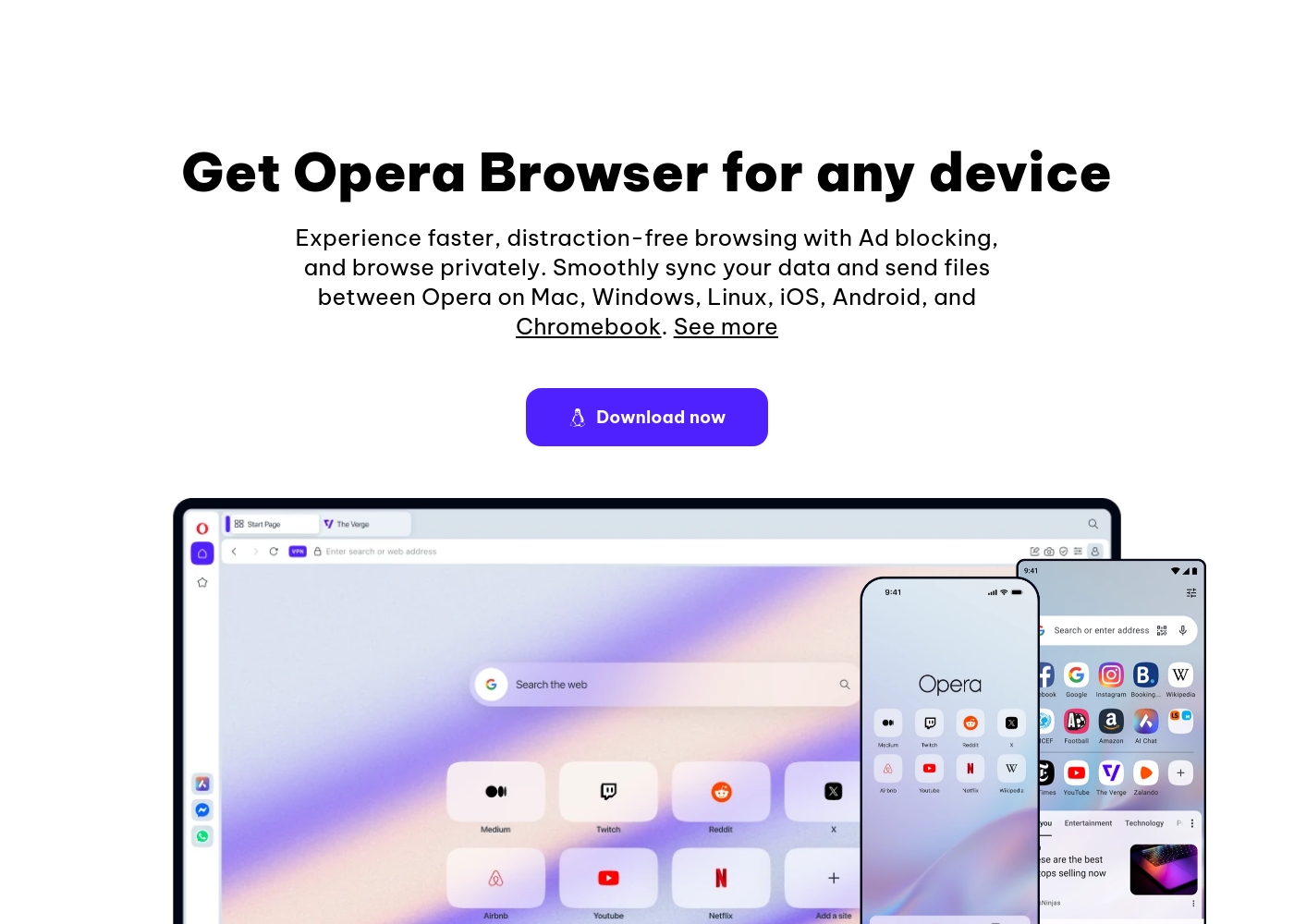
Pricing Notes
- The core Firefox and Opera browsers are completely free to use and download.
- Firefox is guaranteed free as it is backed by a not-for-profit organization (Mozilla).
- Opera offers the optional, paid VPN Pro subscription for device-wide security.
- Specific pricing for Opera's VPN Pro service is not explicitly stated in the documentation.
Pricing Head-to-Head
User Reviews
Trustpilot sentiment is overwhelmingly negative, averaging a “Poor” rating, primarily due to issues revolving around reliability and performance. Users frequently report that the browser becomes slow, struggles to load pages, and crashes, particularly following system updates.
These updates are mandatory and often lead to critical data loss, such as settings changing, themes being reset, and entire sessions or open tabs being erased without the ability to restore them. Reliability issues relating to basic functions—like restoring previous sessions or closing tabs—are major recurring complaints.
Firefox offers very good customization and is highly user friendly. I appreciate the powerful, secure extensions like NoScript and uBlock Origin that give me control over my browsing experience.
The external feedback for Opera is highly polarized. Users consistently praise the excellent value due to its free features, including a built-in VPN, effective Ad Blocker, and customizable interface, calling the UI intuitive and elegant.
However, reliability concerns dominate the recent reviews, leading to a "Poor" rating (2.1). Many users report that mandatory, automatic updates frequently cause the browser to crash, resulting in the permanent loss of all open tabs and workspaces.
The free VPN is useless because streaming services refuse to work with it. You should also be cautious about privacy here because it's owned by a Chinese company. I strongly suggest caution before relying on it.
Our Verdict
Choosing between Firefox and Opera means prioritizing mission versus features. Both browsers are excellent, free alternatives to generic defaults. This is a tough choice based purely on preference, not cost. Firefox dominates organization and principled privacy for the user. It’s ideal for researchers needing tight control over workflow. Firefox uses vertical tabs and groups to manage huge projects easily. Firefox protects your data first by automatically blocking trackers. Opera wins on integrated, cutting-edge features right out of the box. It bundles a free browser-level VPN and unlimited Aria AI standard. Opera adds seamless communication with built-in sidebar messengers. Opera promises superior speed and Web3 readiness for the future. Your decision relies entirely on your daily workflow needs. Do you need maximum privacy and granular control over your workspace structure (Firefox)? Or do you crave bundled speed and instant tools like AI and VPN (Opera)? Choose Firefox if you value non-profit ethics and detailed, focused research tools. Switch to Opera if integrated AI, free VPN, and quick sidebar communication are essential for your browsing.
Frequently Asked Questions
Which browser is better for maximum privacy: Firefox or Opera?
Firefox is superior for philosophical privacy, backed by the Mozilla non-profit. It automatically blocks most ad trackers on every site you visit. Opera provides excellent security via a free built-in VPN and Ad Blocker.
Does either Firefox or Opera include a built-in VPN?
Yes, Opera includes a free, built-in VPN that provides browser-level security protection. Firefox does not feature a native VPN, requiring users to install third-party extensions. Opera offers an optional paid VPN Pro for device-wide security.
Can I use AI tools directly within Firefox or Opera?
You can use the Aria AI assistant for free and with unlimited access in Opera. Aria is fully integrated into the browser experience. Firefox does not currently offer a native AI assistant feature.
Which supports more extensions: Firefox or Opera?
Opera provides wider support because it is compatible with the massive Chrome extension library. Firefox focuses on its own highly curated collection of secure, Recommended extensions. Opera offers more choices, while Firefox offers validated security.
Is Firefox or Opera better for handling many open tabs?
Firefox offers more control with vertical tabs and customizable tab groups. This is excellent for deep research projects. Opera uses the innovative Tab Islands feature for automated, contextual grouping.
Are there any costs associated with using Firefox or Opera?
The core Firefox and Opera browsers are completely free to download and use. Firefox is guaranteed free by the non-profit Mozilla. Opera offers an optional, paid VPN Pro subscription with enhanced security features.
Ready to Choose?
Both tools have their strengths. Choose based on your specific needs.