GoTo Webinar vs Livestorm
This comparison pits classic reliability against modern automation and pricing flexibility. GoTo Webinar is the reliable powerhouse built for massive audiences up to 3,000 participants. Livestorm provides a sleeker, browser-based experience focused heavily on lead generation and GDPR compliance. Choosing depends on whether you prioritize robust scale or modern marketing workflow integration.
Reliable platform for high-capacity virtual events.
We assessed GoTo Webinar based on its robust feature set and clear, scale-based pricing structure. It seems designed for hassle-free delivery of professional, large-scale virtual events that include strong analytical tools. Overall, it is a highly viable platform for businesses prioritizing participant capacity and functional reliability.
Pros
- Supports very large events (up to 3,000 participants).
- Setup is fast and the platform is described as "hassle-free."
- Higher plans include modern features like AI Meeting Summaries.
- Unlimited Cloud Storage is available on the popular Pro plan.
Cons
- Precise numerical pricing is not displayed publicly on the website.
- Annual billing is required for all listed plans.
- Advanced features require the Pro tier or the Enterprise tier.
- No explicit money-back guarantee was mentioned.
Comprehensive Webinar Tool, Complex Pricing.
We find Livestorm provides a robust, browser-based platform ideal for businesses needing strong data security and high automation capacity. The feature set is excellent, but we must note the recurrent serious concerns regarding subscription policies and dramatic, unannounced price hikes. Overall, Livestorm is a powerful tool with significant financial risk flags for long-term users.
Pros
- All-in-one browser-based platform (no software installation required).
- Strong data security (EU hosted, ISO 27001, GDPR compliant).
- Efficient automations and smooth event management processes.
- Good user experience delivers high attendance duration.
Cons
- Reports of sudden, major price increases for loyal customers (up to 350%).
- Rigid and unfriendly subscription/cancellation policies noted by users.
- Reliability issues reported, including constant freezing and delays.
- Video streaming quality is sometimes poor, especially for presenters.
AboutGoTo Webinar
GoTo Webinar is designed as an all-in-one platform for hosting virtual events of any size. It makes events easy, whether you are running remote staff trainings or complex multi-day conferences.
Setup takes just minutes, and managing your ongoing events is simple. You don't even need dedicated IT support to make it work! The system is built with enterprise-grade security to keep all attendee data safe and your events uninterrupted. 🔐
AboutLivestorm
Livestorm is a powerful, unified platform offering dynamic discussions for any kind of online event. It is designed to be the webinar leader, ready for immediate use. You access Livestorm right through your browser, which means there is no software to install and no credit card required to start. This accessibility ensures you can achieve maximum participation every time. This platform serves thousands of customers, scaling easily from startups to large enterprises.
Highlights
Feature Comparison
Features Overview
We highlight the main differences and pick a winner for each feature.
Audience Capacity
Both platforms handle massive audiences, but GoTo Webinar is built for pure scale and reliability. GoTo Webinar handles up to 3,000 attendees in its Enterprise tier. The platform is often chosen for large enterprise-level virtual events and training. Livestorm also supports up to 3,000 live attendees in top tiers. However, Livestorm’s focus is centered on lead engagement metrics, not just participant counts. Winner: GoTo Webinar's reputation and stable tiering make it slightly stronger in terms of pure scale capacity.
GoTo Webinar is known for accommodating up to 3,000 attendees comfortably per session. You get a clear path from 250 participants up to 3,000 based on the four tiered plans. GoTo Webinar also offers powerful tools like GoTo Stage for repurposing huge volume content post-event. Livestorm matches the 3,000 attendee limit in its Pro and Business tiers. Livestorm's focus is slightly shifted toward maximizing involvement within that crowd via highly interactive tools. Livestorm’s key limitation is not capacity but the 'Active Contact' pricing model that affects costs dramatically. GoTo Webinar makes it easy to manage complex multi-day, multi-session events seamlessly. GoTo Webinar is the safer bet if 3,000-attendee webcasts are a frequent requirement for your business.
Pricing Structure
Livestorm uses flexible usage-based pricing; GoTo Webinar locks in fixed capacity per organizer. GoTo Webinar’s numerical pricing requires contacting sales and mandates annual commitment. Livestorm provides a clear Pro plan price ($105/month) based on yearly active contacts. Livestorm’s ‘Active Contacts’ model can be highly cost-efficient or punishing if usage changes radically. GoTo Webinar offers predictable fixed capacity, but limits are rigid.
Livestorm prices are determined by the number of unique “Active Contacts” who register annually. This usage-based model is fantastic if your usage fluctuates and rewards good contact management. The pricing for GoTo Webinar is based on the maximum participant capacity and the number of organizers you need. This gives stable capacity limits. GoTo Webinar requires annual billing across all listed plans, while Livestorm offers an accessible lifetime Free plan. However, Livestorm users strongly report huge, sudden price hikes leading to high churn and negative reviews. Check your expected annual unique registrants closely before committing to Livestorm’s contact-based model.
Security & Compliance
Livestorm is certified and EU-hosted, making it ideal for regulated industries. Livestorm is ISO 27001 certified and GDPR compliant by its core design. GoTo Webinar focuses on general 'enterprise-grade security' but lacks specific certifications like Livestorm provides. If data sovereignty and strict compliance are non-negotiable, Livestorm is the clear choice. Livestorm is the definitive choice for European or heavily regulated organizations.
For Livestorm, security is a major selling point, with its EU hosting location explicitly mentioned. This provides substantial peace of mind for companies dealing with EU customer data. GoTo Webinar advertises its system uses enterprise-grade security to keep attendee data safe. However, specific compliance details like ISO or GDPR are not highlighted on the GoTo Webinar feature list. Livestorm includes specialized security review support in its Enterprise plan, demonstrating a high focus on governance. This difference is critical for finance, healthcare, or government entities choosing between the two platforms.
Marketing Automation
Livestorm is superior for marketing teams needing deep CRM system integration and lead capture. Livestorm integrates directly with advanced platforms like Salesforce, Marketo, and HubSpot. GoTo Webinar integrates seamlessly with CRM tools for lead tracking but also focuses on monetizing events. GoTo Webinar uniquely integrates Stripe functionality to accept secured payments directly within the registration flow. Livestorm focuses on ensuring seamless data transfer throughout the lead lifecycle.
Livestorm provides an API and Plugin SDK for deep customization of marketing workflows. It optimizes data transfer across the pipeline to track leads efficiently after they register or attend. GoTo Webinar’s main integration strength lies in streamlining email workflow and using source tracking for sign-up attribution. GoTo Webinar primarily captures leads and tracks sources to optimize campaign spending. The specialized enterprise integrations on Livestorm make post-webinar follow-up data collection much smoother. Choose Livestorm if integrating deeply into your existing marketing automation tech stack is essential.
Content & Replays
Both offer unlimited storage options; GoTo Webinar offers AI summaries, Livestorm offers AI transcripts. GoTo Webinar’s Pro tier includes Unlimited Cloud Storage and AI Meeting Summaries. Livestorm provides unlimited replay storage and AI-powered transcripts and captions. Livestorm's emphasis on transcripts improves accessibility and searchability for replays. GoTo Webinar lets you host content permanently on GoToStage to maximize reach and views.
GoTo Webinar provides specific AI Meeting Summaries starting at the Pro tier. This saves time by quickly distilling key discussion points from long sessions. Livestorm’s AI feature focuses on generating transcripts and captions for accessibility. This is crucial for accessibility compliance and making video content searchable online. GoTo Webinar offers the GoToStage feature for hosting content externally and reaching millions of viewers. Livestorm generates instant replays immediately after sessions for urgent on-demand viewing needs.
User Experience
Livestorm is praised for its modern, clean interface and browser-based delivery. GoTo Webinar is often described as reliable, though sometimes criticized for feeling dated. Livestorm is 100% browser-based and designed for simple, quick event setup in minutes. GoTo Webinar has refined the user experience over years for high-reliability enterprise delivery. Livestorm faces some user reports of freezing and connection delays during live events.
Livestorm users praise the intuitive functionality, making event launch incredibly fast. The browser-based approach of Livestorm ensures maximum participation without required downloads. GoTo Webinar is built for hassle-free reliability, ensuring your priority remains the content, not IT support. Livestorm’s focus on a modern design makes the platform feel more engaging, especially for creative marketers. Some Livestorm users, however, report frustrating technical issues affecting video quality and reliability during sessions.
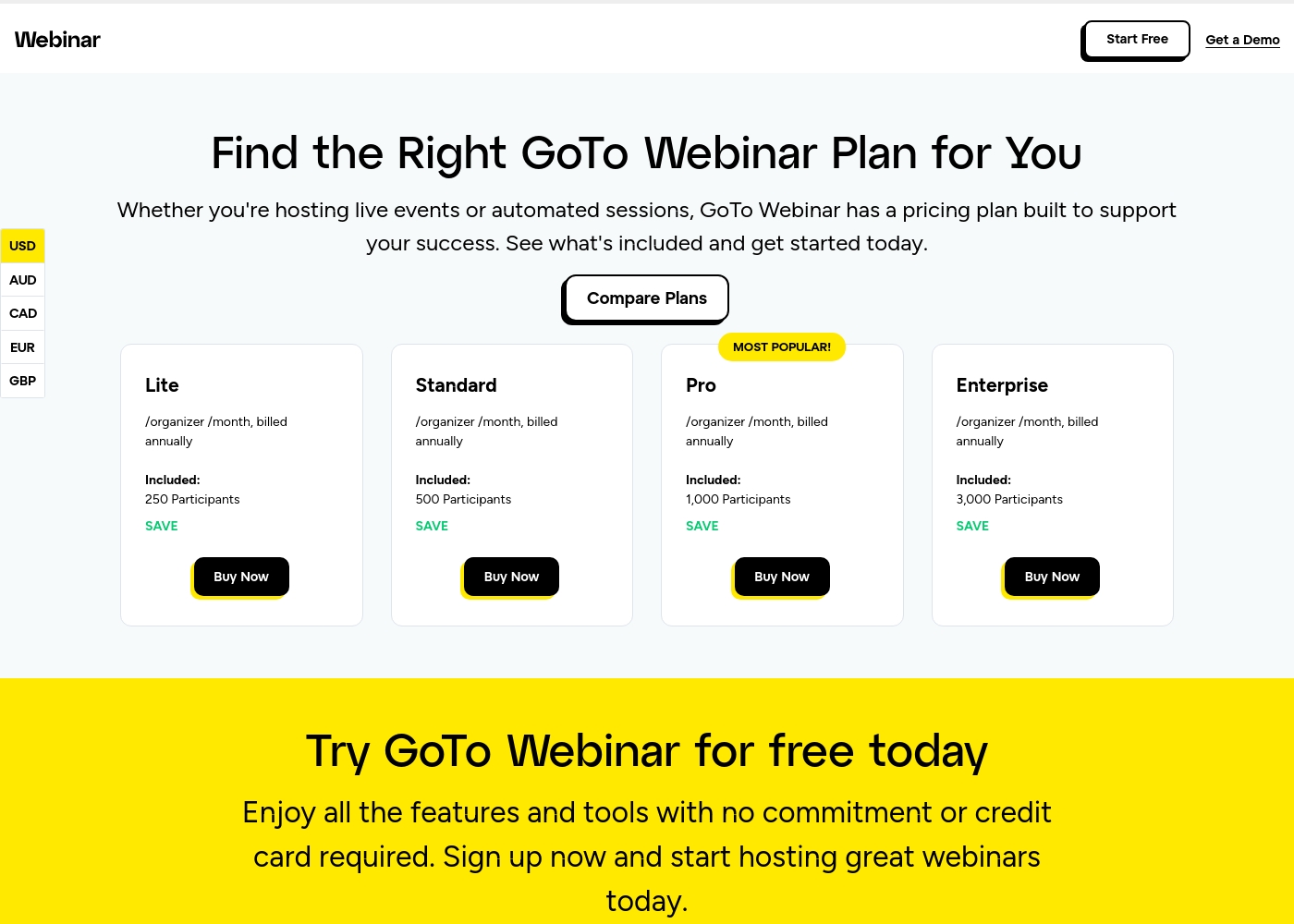
GoTo Webinar costs between Not explicitly stated and Not explicitly stated per organizer/month, billed annually with 4 plans: Lite, Standard, Pro, and Enterprise.
Selecting the right GoTo Webinar plan ensures you have the necessary capacity and features for your live events or automated sessions. Here’s a detailed look at what each plan provides:
Lite
Price: Not explicitly stated /organizer /month, billed annually Websites Supported: 5 Page Best For: Small or starting teams Refund Policy: Not explicitly stated Other Features: 250 Participants, Reporting and Analytics, Automated Emails, Mobile App, GoTo Meeting (1 License)
- 250 Participants
- Full Service Registration
- Reporting and Analytics
- Audio - VoIP and Phone
- 500 Participants
- Automated Emails
- Custom Branding
- 1 License for GoTo Meeting
- 1,000 Participants
- Unlimited Cloud Storage
- AI Meeting Summary
- Virtual Events
- New Integrations
- 3,000 Participants
- GoTo Stage
- Custom URL
- Certificates
- Transcripts
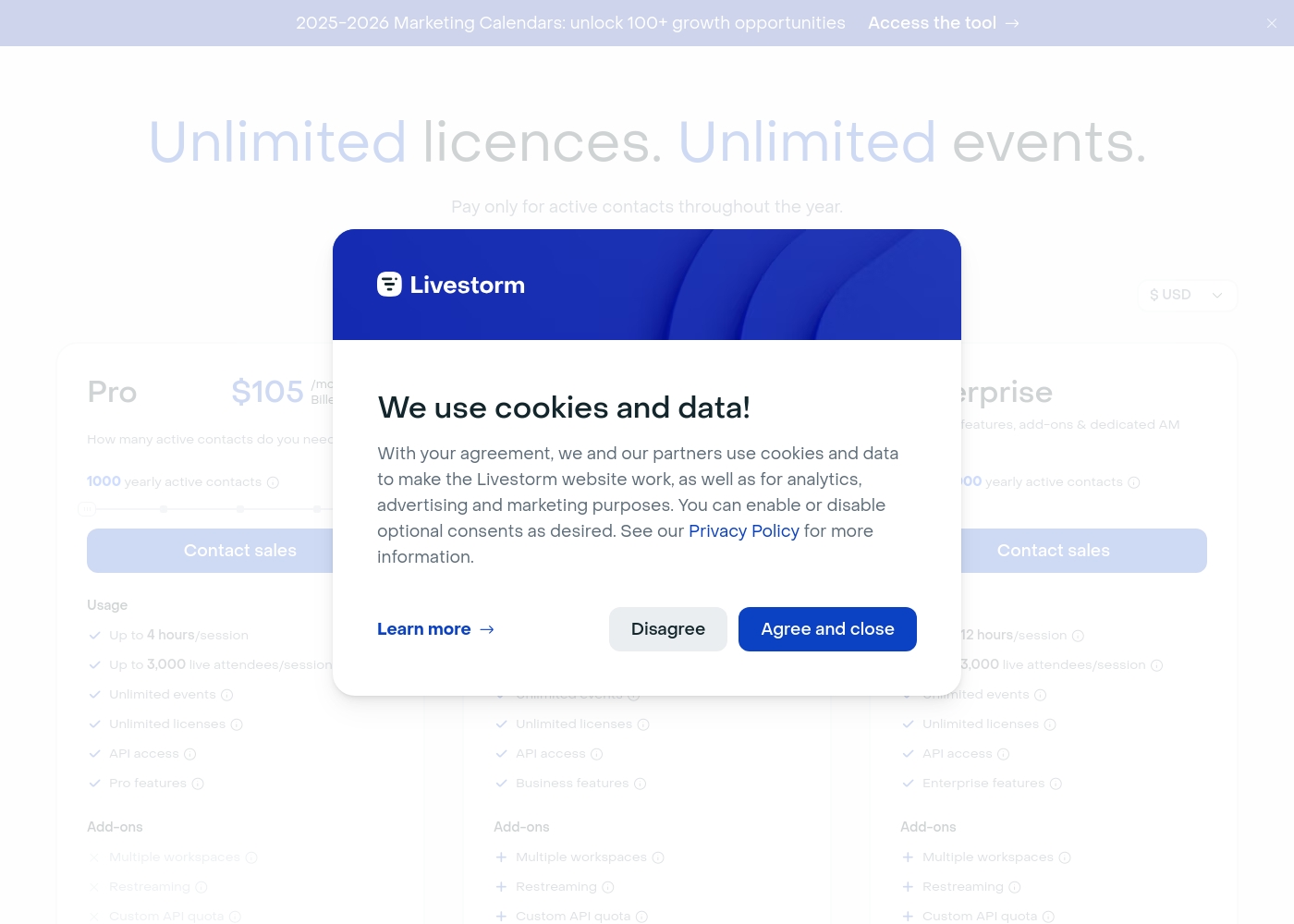
Livestorm costs between $0 and $105+ per month with four plans: Free at $0, Pro at $105/month (when billed annually), Business at Contact sales, and Enterprise at Contact sales.
Livestorm pricing is based primarily on your required annual quota of "Active Contacts." Here is a breakdown of what you get with each plan.
Free
Price: $0 Websites Supported: Not explicitly stated Best For: Testing the platform or small, quick events Refund Policy: Not explicitly stated Other Features:
- Up to 30 active contacts/month
- 20 minutes maximum per session
- Up to 30 live attendees
- Unlimited team members
- Email support only
- Up to 30 active contacts/month
- 20 minutes maximum per session
- Up to 30 live attendees
- Unlimited team members
- Email support only
- 1,000 yearly active contacts included
- Up to 4 hours per session
- Up to 3,000 live attendees
- Unlimited events and licenses
- Standard Support
- From 10,000 yearly active contacts
- Up to 4 hours per session
- VIP Support
- Dedicated Account Manager and VIP onboarding
- Custom data extracts & dashboards
- From 10,000 yearly active contacts
- Up to 12 hours per session
- VIP Support & SLA
- Advanced Enterprise features
- Access to Technical Solution Partners
Pricing Notes
- GoTo Webinar does not publish numerical pricing and requires interested users to contact sales for plan costs.
- All paid tiers for GoTo Webinar mandate annual billing; Livestorm offers monthly billing on its Pro tier.
- Livestorm pricing is based on 'Active Contacts,' making costs variable based on how many unique people interact with your events annually.
- GoTo Webinar tiers are based on capacity: paying for 1,000 attendees whether you host 5 or 999 events.
- Livestorm offers a permanent Free plan, whereas GoTo Webinar only provides a time-limited free trial for testing the Pro plan.
Pricing Head-to-Head
User Reviews
Specific, recent user feedback snippets from leading platforms like Trustpilot and Capterra were unavailable during this review phase 🚫. Therefore, our synthesis relies solely on the product’s reported features and clear pricing structure.
GoTo Webinar is marketed as a platform emphasizing scale and ease of use. Key advertised benefits include supporting up to 3,000 participants and quick setup times, often highlighted as “hassle-free.” The system provides essential features across its four tiers (Lite, Standard, Pro, Enterprise), scaling interactivity and storage significantly in higher plans.
The feedback for Livestorm is notably polarized, primarily focusing on pricing structure and technical reliability. Many users praise the platform's ease of use, describing it as a "good all around webinar software" with great design and efficient automations that help save time ⏱️.
Long-term users particularly value the streamlined invitation process and consistent performance for B2B organizations. However, the negative reviews are very strong, centered mostly on cost and customer service policies.
I use Livestorm at least twice weekly for customer outreach. It works reliably for me and has been great for reaching customers across Sweden. I have used the service for over three years consistently.
Our Verdict
This choice comes down to classic reliability versus modern, secure flexibility. If your organization demands maximum scale and predictable capacity, GoTo Webinar is the best fit. GoTo Webinar handles huge event sizes, managing up to 3,000 attendees with proven stability. Their Pro plan includes useful features like Unlimited Cloud Storage and AI Meeting Summaries. Livestorm truly shines when security and marketing integration are your top priorities. It offers full GDPR compliance and is ISO 27001 certified, a major differentiator for global teams. Livestorm also provides superior, seamless integrations with tools like Marketo and Salesforce. Their usage-based pricing model can be economical if you actively manage your ‘Active Contacts’ quota. Critically, consider the pricing models before committing long-term. GoTo Webinar offers fixed, annual capacity that is reliable and predictable. Livestorm’s active contact model, while flexible, has led to numerous user complaints about unpredictable cost spikes. Choose GoTo Webinar if you are a large enterprise prioritizing capacity and stability over modern pricing structures. Opt for Livestorm if you are a marketing-focused B2B team needing deep CRM sync and robust EU data compliance, starting perhaps with their generous Free plan.
Frequently Asked Questions
Which platform is better for large enterprise events: GoTo Webinar or Livestorm?
GoTo Webinar is generally optimized for large enterprise events and multi-day conferences. It supports up to 3,000 participants and manages complex event structures easily. Livestorm also supports 3,000 attendees but is more suited for lead generation and compliance.
How do the pricing models of GoTo Webinar and Livestorm differ?
GoTo Webinar charges based on a fixed capacity limit per organizer, billed annually. Livestorm uses a usage-based model focusing on the number of yearly 'Active Contacts.' Livestorm's cost fluctuates with your growth, while GoTo Webinar's is fixed by tier.
Is Livestorm better than GoTo Webinar for GDPR compliance?
Yes, Livestorm is the definitive winner for compliance and security standards. It is explicitly ISO 27001 certified and GDPR compliant by design. Livestorm also hosts its customer data securely within the European Union.
Does GoTo Webinar or Livestorm offer a free plan option?
Livestorm offers a lifetime Free plan with limits on time (20 minutes) and attendees (30 participants). GoTo Webinar does not offer a permanent free plan; it only provides a time-limited free trial of the Pro features.
Which tool provides better AI features for content management?
GoTo Webinar provides specific AI Meeting Summaries starting at the Pro tier. Livestorm offers AI-powered transcripts and captions for better accessibility and content searchability. Both tools use AI differently depending on your needs.
Can I accept payments directly within GoTo Webinar or Livestorm?
GoTo Webinar allows secure payment acceptance through a direct integration with Stripe. Livestorm does not explicitly list integrated payment processing as a core feature. Choose GoTo Webinar if payment collection is a necessity.
Ready to Choose?
Both tools have their strengths. Choose based on your specific needs.