Norton Family vs Parentaler
Norton Family and Parentaler are leading parental control apps, but they target different needs. People often compare them for security versus surveillance capabilities. Norton Family focuses on web controls and bundling with Norton 360. Parentaler offers much deeper mobile phone monitoring, analyzing chats and calls.
Trusted Security Engine for Family Safety
We find Norton Family offers a powerful and mature set of parental control tools, utilizing Norton’s decades of security expertise. It excels at balancing screen time management with web safety and providing crucial location supervision. Overall, this is a highly reliable security package for families seeking broad digital management features within a trusted ecosystem.
Pros
- Built on a robust, proven, and highly reliable security platform.
- Comprehensive features including screen time limits, location tracking, and content filtering.
- Dedicated ‘School Time’ feature helps minimize remote learning distractions.
- Manageable via an easy-to-use Parent Portal and mobile app.
Cons
- Renewal costs are significantly higher than the introductory promotional price.
- Customer loyalty does not appear to be rewarded in the pricing structure.
- General Norton users sometimes report being overwhelmed by notifications.
- Little specific external feedback is available on the dedicated Family product features.
Powerful Tracking, Compromised Purchase Transparency.
We assess Parentaler as a highly functional monitoring tool with robust security features, including comprehensive communication viewing and precise GPS alerts. However, we found serious and recurring concerns regarding product fulfillment and billing transparency, as multiple users report being directed to the mSpy service upon purchase. Overall, we advise potential users to be keenly aware of these recurring payment and product delivery issues.
Pros
- Provides reliable GPS tracking and Geofencing alerts.
- Keyword Alert feature helps parents intervene quickly in serious situations.
- Enables comprehensive viewing of photos, videos, and communication logs.
- Effective for setting limits and managing screen time overuse.
Cons
- Widespread complaint of a bait-and-switch (users purchase Parentaler but receive mSpy).
- Reports of unauthorized annual charges despite selecting monthly plans.
- Customer support is reportedly resistant to issuing refunds for non-technical reasons.
- Advertised social media features may not be delivered via the substitute product.
AboutNorton Family
Norton Family is a comprehensive toolset designed to give parents awareness and control over their children’s digital interactions. It focuses on facilitating positive and age-appropriate experiences with technology. Parents can manage protection for their child's devices using an easy-to-use Web Portal or a mobile app 📱. The core mission is to help children learn responsible, healthy methods for exploring the internet.
AboutParentaler
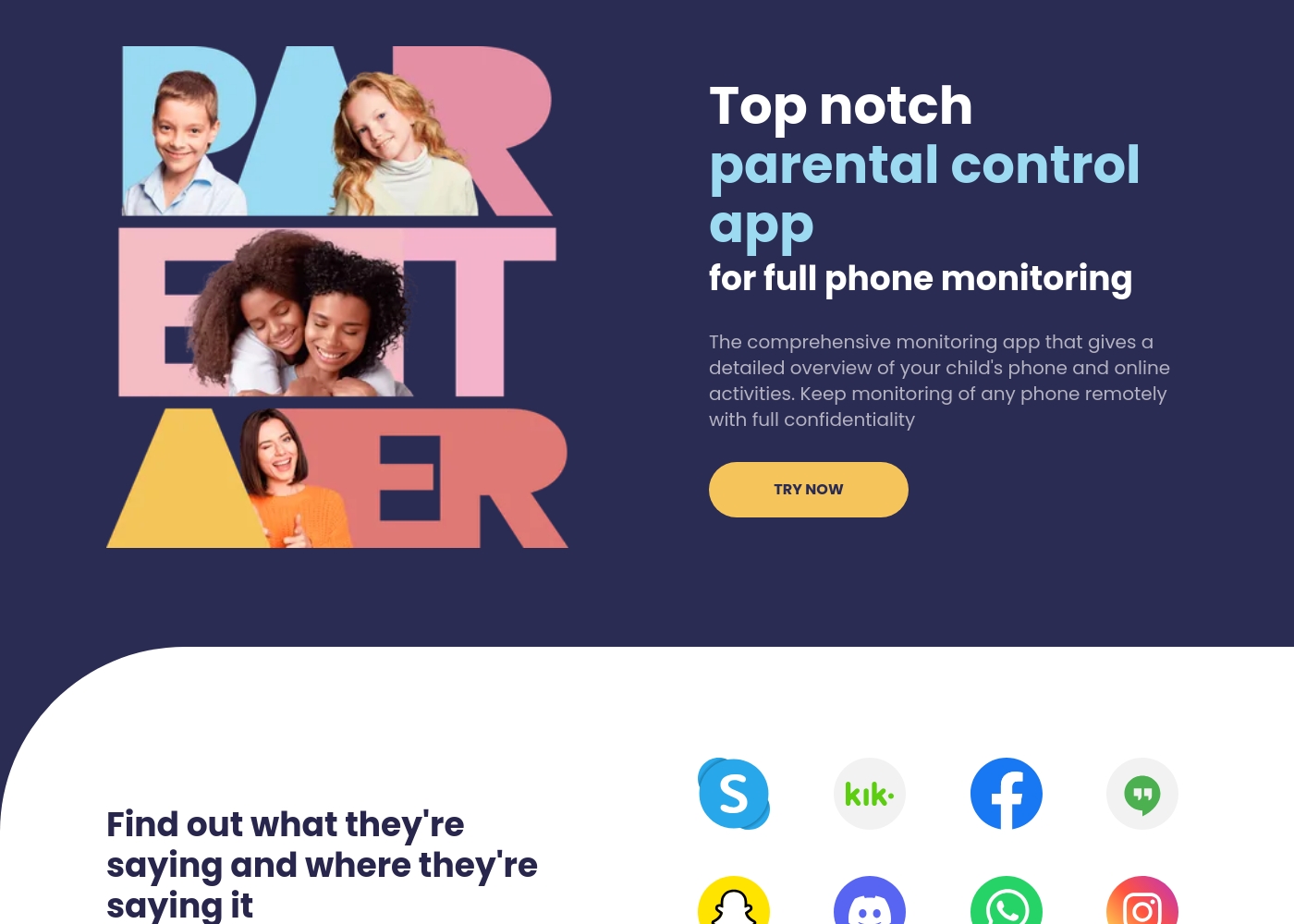
Parentaler is a top-notch parental control app. It gives you a detailed overview of your child’s phone and online activities, helping you monitor them remotely and with full confidentiality.
The application works smoothly on any iPhone, iPad, or Android device. You can then access all features through a simple dashboard using any device or browser.
Crucially, the app operates quietly in the background. It sends no notifications or alerts to your child’s phone, meaning they won't know when you are checking data.
Highlights
Feature Comparison
Features Overview
We highlight the main differences and pick a winner for each feature.
Conversation Monitoring
Parentaler offers comprehensive surveillance of chats, calls, and texts. Norton Family only focuses on search and web activity logs.
Parentaler reviews texts, calls, emails, and social media chats directly on the device. It provides full context, viewing attachments and links within conversations. Norton Family monitors search terms and videos watched on platforms like YouTube and also Hulu on Windows. Norton Family is primarily focused on web safety, not peer-to-peer communication monitoring. The key difference is insight into direct messaging; Parentaler wins on conversational depth.
Device Coverage & Bundling
Norton Family covers Windows PCs and mobile, bundling with Norton 360 security. Parentaler is exclusively focused on deep Android and iOS monitoring.
Norton Family works across Windows, Android, and iOS platforms seamlessly. It integrates deeply into the Norton ecosystem, often included with Norton 360 suites. Parentaler focuses its extensive monitoring features strictly on mobile devices (Android and iOS). If you need to include a child's desktop PC within the controls, Norton Family is necessary. If you only need deep control over mobile phones, Parentaler is designed for that intensity. The Norton bundle offers significant value for multi-device households.
Discretion of Monitoring
Parentaler runs quietly in the device background for discreet monitoring. Norton Family's operation is more visible, prompting alerts and requiring portals.
Parentaler is built specifically to operate discreetly, often running unseen by the child using the phone. This silent operation supports true informational surveillance without immediate friction or alerts. Norton Family relies on the Parent Portal and various alerts for blocked sites or time limits. While effective, Norton Family is more apparent to older children who want privacy. Choose Parentaler if subtle, hidden tracking is your priority.
Screen Time & Control
Norton Family offers structured scheduling, limits, and a School Time feature. Parentaler is centered on actively blocking specific apps or network access.
Norton Family provides Time Supervision for setting precise daily limits and strict usage schedules. Its dedicated School Time feature minimizes distractions during remote learning hours. Norton Family also includes the very useful Instant Lock function to pause device use immediately. Parentaler controls access mainly by blocking specific apps, sites, or Wi-Fi networks outright. Norton Family provides a much cleaner, structured framework for managing time. This scheduling feature gives Norton Family the edge in setting routine boundaries.
Advanced Content Review
Norton Family provides snippets of watched streaming videos. Parentaler gives direct access to photos and videos stored on the device.
Norton Family’s Video Supervision is a unique feature providing quick content snippets of YouTube activity. This insight helps you guide conversations about trending content. Parentaler allows parents to access the actual photos and videos stored locally on the child's phone. Both tools offer different types of content insight, depending on potential risk factors. Norton Family provides smart review of *streaming* content for quicker assessment. Parentaler gives deeper access to *local* device media.
Customer Support
Parentaler guarantees 24/7 multilingual support access. Norton Family utilizes its general Member Services support channels.
Parentaler clearly advertises continuous, around-the-clock support in several languages globally. This level of immediate accessibility is crucial for resolving urgent monitoring or location issues. Norton Family routes support through its standard Member Services, which are broader and potentially slower. If you require assurance of immediate help at any time, Parentaler is the superior choice for support. Support quality is a key indicator of reliability in surveillance tools.
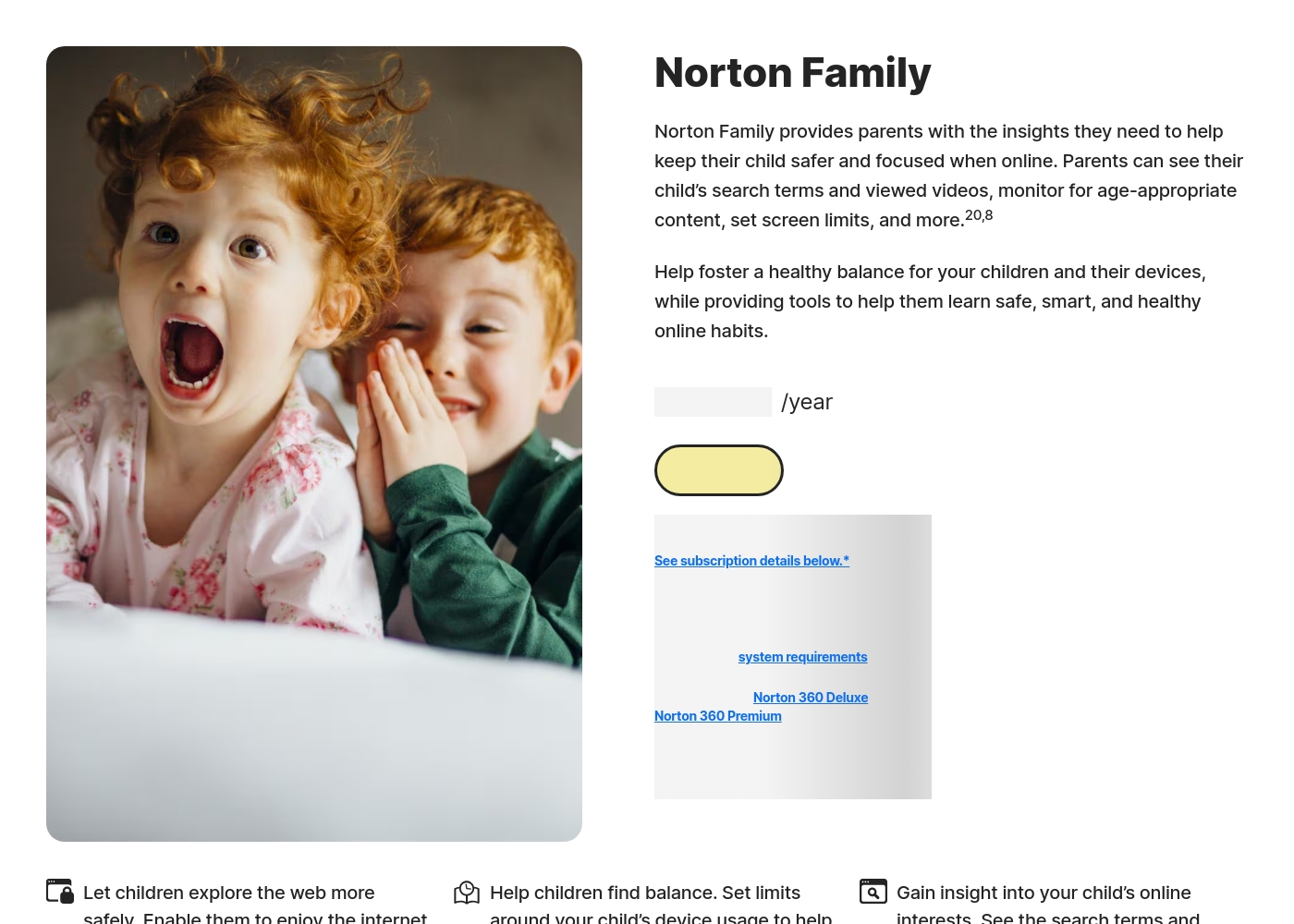
Norton Family costs S$29.99 per year for the first year. It is offered as a single standalone annual subscription at S$29.99.
Norton Family is designed to help parents foster healthy online habits for their children.
Norton Family (1 Year Subscription)
Price: S$29.99 per year (introductory price) Websites Supported: Not explicitly stated Best For: Parents seeking dedicated tools to help children balance screen time Refund Policy: 60-day money-back guarantee (for annual subscriptions) Other Features:
- Set time limits for device use (Time Supervision).
- See terms children are searching for (Search Supervision).
- Monitor videos viewed on YouTube.com (Video Supervision).
- Set up a block list for distracting sites during remote learning (School Time).
- Use Location Supervision to map mobile devices.
- Web Supervision (blocking unsuitable content)
- Time Supervision (setting device limits)
- Search Supervision (seeing terms children search)
- Video Supervision (monitoring YouTube videos)
- App Supervision (managing downloaded apps)
Parentaler utilizes a subscription model, but the specific costs and plan names are not explicitly detailed in the available information.
To begin using the comprehensive monitoring tools, you first need to select a subscription option.
Standard Subscription Plan
Price: Not explicitly stated Websites Supported: Not explicitly stated Best For: Any parent or guardian needing full phone monitoring capabilities Refund Policy: Not explicitly stated Other Features:
- Monitors social media and messenger conversations
- Detailed GPS location tracking and Geofencing alerts
- Website and Apps & Games blocking
- Access to SMS, calls, emails, and contacts
- Keyword alerts and screen capture functionality
- Full phone monitoring overview
- GPS location and Geofencing alerts
- Website porn and app blocker
- Monitor SMS, calls, and email
- Keyword alerts and screen capture
Pricing Notes
- Norton Family often has a very low promotional entry price, sometimes starting at $1 for the first year.
- Norton Family is frequently bundled with Norton 360 Deluxe and Premium, increasing value for existing users.
- Norton Family requires a payment method for its free trial and renewals are often significantly higher.
- Parentaler pricing is generally higher upfront and far less transparent about free trials or subscription structure.
- The highest price shown for Norton Family likely reflects long-term renewals or large security bundles.
Pricing Head-to-Head
User Reviews
Reviewers overwhelmingly praise Norton’s broader security ecosystem, which includes Norton Family. Customers consistently highlight the robust protection provided, confirming that the software ensures their devices are safe from threats and malware.
Consumers often mention the peace of mind they gain from the software operating efficiently in the background, offering prompt alerts and regular scans. The user experience is generally considered easy, even for non-tech-savvy users, and the comprehensive bundles (including VPN and Identity Theft services) are highly valued.
I have been using Norton since its very beginning and have never had protection issues. I have examined others and there is simply no comparison to Norton's performance and protection.
Parentaler holds a mixed user rating of 3.6 on Trustpilot. Many parents praise the app's capability to provide essential monitoring features, specifically emphasizing reliable location tracking and timely Geofencing alerts which have helped in real-world emergencies, like locating a child after a vehicle breakdown.
Users also frequently cite the value of communication oversight, noting they successfully intervened in cases of potential cyberbullying, unsafe conversations, and concerning online searches using the Keyword Alert feature. The software is appreciated for helping manage excessive screen time, leading to positive changes in children's behavior and improved family understanding.
My daughter's car broke down deep in the country, and she didn't know her location. I used Parentaler to pinpoint her immediately. It let me reassure her that I was only minutes away. This app is absolutely essential for parent peace of mind.
Our Verdict
This comparison isn't about better or worse; it’s about approach. Norton Family and Parentaler dominate very different parenting niches. Norton Family is engineered for broad security and structured oversight across multiple device types. Parentaler is a dedicated, deep surveillance tool for mobile communications. Norton Family’s superpower is integration and structure. It costs very little to start and bundles its robust web filtering with Norton 360 security. If your children use Windows PCs and you need structured time limits, Norton Family is your clear choice. Parentaler’s superpower is unparalleled conversational visibility. It monitors texts, calls, and social chats deeply and operates completely discreetly in the background. If you are worried about cyberbullying or hidden conversations on a teen's phone, Parentaler is the superior option. The deciding factor is the level of monitoring required versus the device complexity. If you need control over Windows and structure, stick with Norton Family. If you need detailed access to mobile communications and silent operation, choose Parentaler. Pick Norton Family for comprehensive safety and time management in a multi-device home. Go with Parentaler for focused, discreet surveillance of older, mobile-centric children.
Frequently Asked Questions
Which is better for monitoring both PCs and mobile phones: Norton Family or Parentaler?
Norton Family is better for mixed device environments, as it supports Windows PCs, Android, and iOS. Parentaler focuses exclusively and deeply on mobile devices. If you need controls on a desktop computer, choose Norton Family immediately.
Does Parentaler offer chat monitoring for apps like WhatsApp or Instagram, unlike Norton Family?
Yes, Parentaler provides deep conversational monitoring, including SMS, calls, and social media chats. Norton Family focuses on search terms and web activity, not monitoring specific peer-to-peer conversations. Parentaler provides the context needed for hidden chat issues.
Is Norton Family generally cheaper than Parentaler?
Yes, Norton Family often features very low introductory prices, sometimes starting at $1/year. Parentaler pricing is generally higher and less transparent about entry costs. However, be aware that Norton Family renewal prices can be significantly higher.
Which software supports location tracking and geofencing better: Norton Family or Parentaler?
Both tools offer robust location tracking, including 30-day history and geofencing alerts. Parentaler focuses on providing exact coordinates and locating lost phones. Norton Family offers similar capabilities via 'Favorite Locations' and 'Alert Me' features.
Does Norton Family allow discreet monitoring like Parentaler?
No, Parentaler is explicitly designed for quiet, discreet background operation on child phones. Norton Family operates visibly via alerts and requires using the Parent Portal. Choose Parentaler if silent, hidden monitoring is a necessity.
Which tool is better for managing school time distractions?
Norton Family is better for managing school hours due to its dedicated School Time feature. This feature minimizes distractions during remote learning sessions. Parentaler relies on general time limits and app blocking to manage focus.
Ready to Choose?
Both tools have their strengths. Choose based on your specific needs.